

Real-time captions
Apple's on-device speech recognition turns speech into text as it happens, with the newest words highlighted. On iOS 26 the newer engine runs with no session limit and can label who is speaking.
Subtitle It turns speech into large, readable text as it is spoken, so people who are deaf or hard of hearing can read along with a live conversation, a meeting or a lecture as it happens. It runs on your device and works without an internet connection.
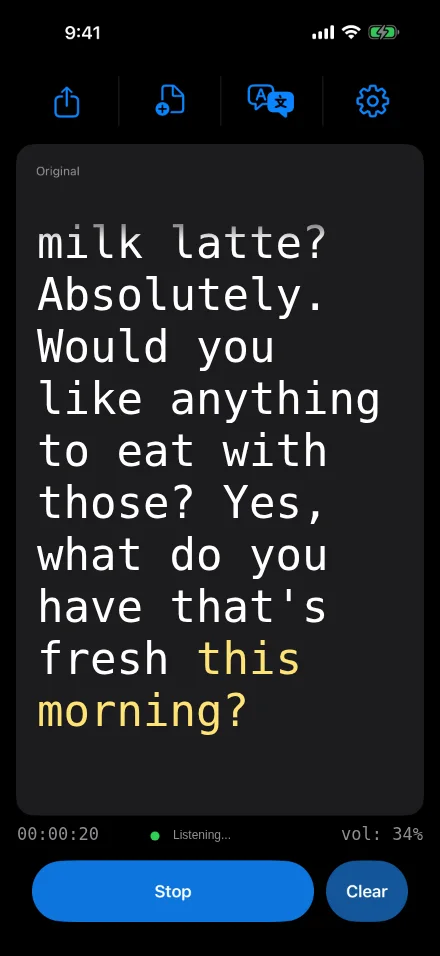
Grant microphone and speech recognition access the first time. After that, one tap begins a new session.
Words appear within a second or two and are refined as the sentence completes. Text size, typeface and colours are yours to set.
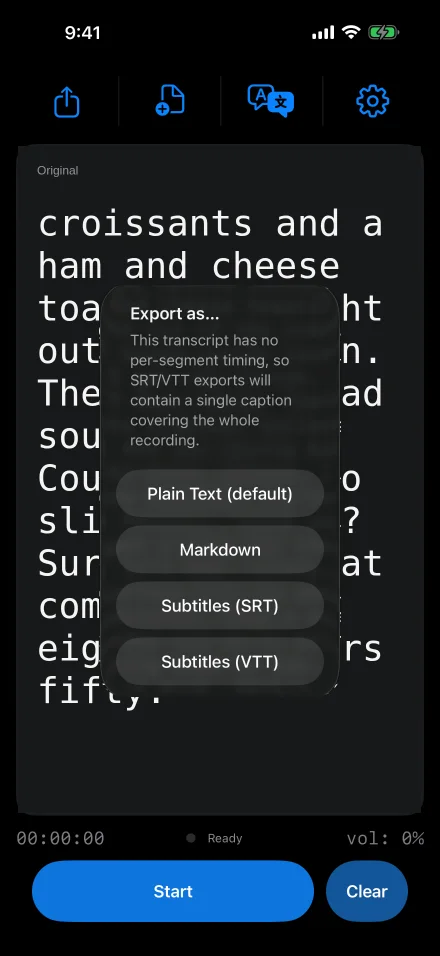
Export the transcript as a plain-text, Markdown or subtitle file to any app, or turn on live translation to read it in another language, all on the device.
A simulated screen transcribing placeholder text on a loop. The settings beside it are the ones the app has under Appearance and Recording & Transcript; change them to see whether the display would suit you. Only Start, Stop and Clear work on the screen.
The text is placeholder Latin so the shapes of words, not their meaning, are what you judge. The demo starts on the app's own defaults: Large text, the Monospaced font, the Original layout and the Dark palette. Choose the Custom text size to see how far the text can grow.
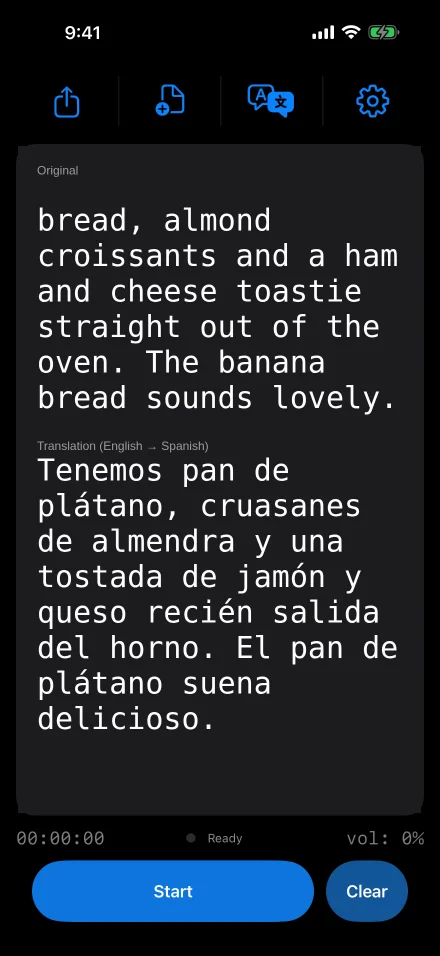
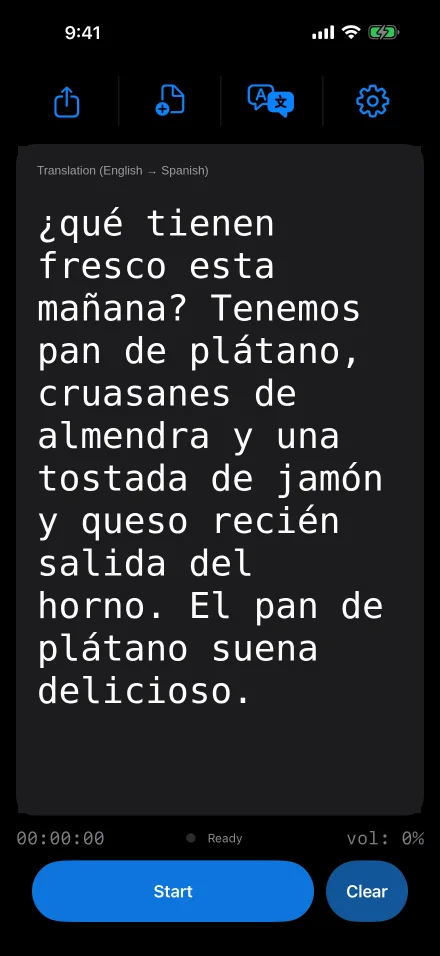
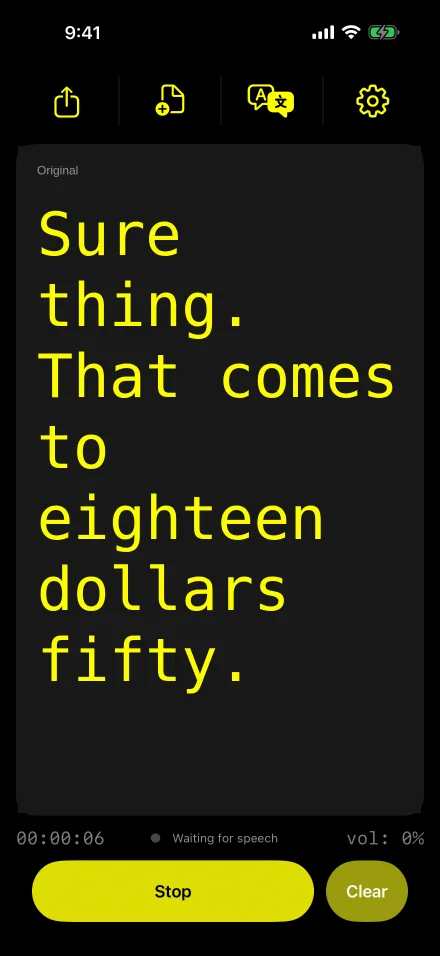
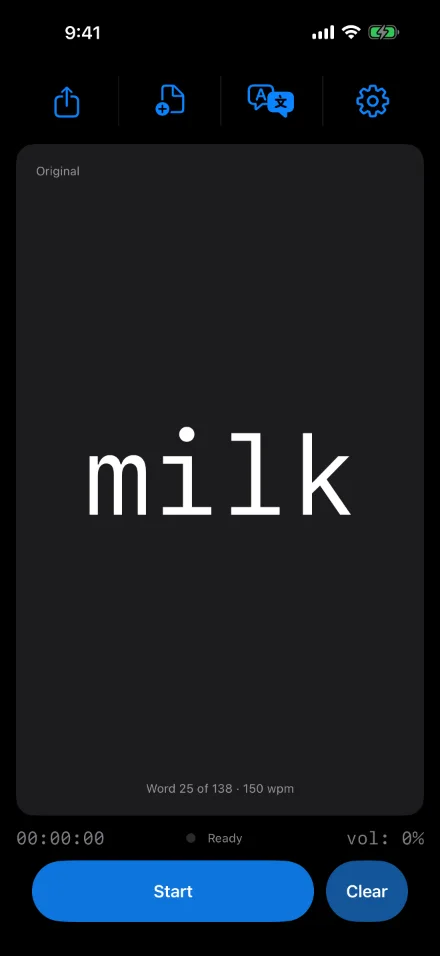
Subtitle It is built to be read while the conversation is happening.
Apple's on-device speech recognition turns speech into text as it happens, with the newest words highlighted. On iOS 26 the newer engine runs with no session limit and can label who is speaking.
Text from 14 pt up to 60 pt, five typefaces including a dyslexia-friendly option, four layouts, six colour palettes including High Contrast, and a one-word-at-a-time reading mode.
No internet connection is needed. Audio never leaves the device, and Privacy Mode can stop transcripts being kept at all.
Tap Translate and the transcript is translated as you speak, on the device, using Apple's Translation framework. Language packs download once and then work offline.
Pick an audio file or a video from Files or Photos and get a transcript with the same settings you use for live captions.
Transcripts are saved as you record and survive a crash or a call. Export them as plain-text, Markdown or subtitle (SRT and VTT) files, or say "Hey Siri, stop Subtitle It" to finish hands-free.
Every word is recognised, translated and labelled on the phone. There are no servers, no accounts and no analytics. The only audio that can ever leave the device is an imported file whose language has no on-device model, and only if you turn that on and confirm for that file. Cloud transcription, for accents and vocabulary the on-device engine struggles with, is being rebuilt as an opt-in beta.
Apple's speech recognition on the device, with speaker labels on iOS 26.
For confidential conversations and shared devices.
For difficult audio and specialist vocabulary. Purchased inside the app through the App Store when it returns — no accounts or keys to bring.
Read the privacy policy or the Privacy Mode guide.
The settings people ask about most.
See the full list in the accessibility chapter of the user guide.
A small one-off price, no subscription and no account. Family Sharing is supported. The first launch asks for microphone and speech recognition access, both of which are needed to caption anything.
Every screen in the app, documented and kept in step with each release.